
Vertical and Cluster Scaling
Resizing pods and adding nodes.
More pods is one way to grow. There are two others. You can give each pod more resources, which is vertical scaling. Or you can add more machines for the pods to live on, which is cluster scaling. Real systems often use all three, together. In this lesson, we meet the last two.
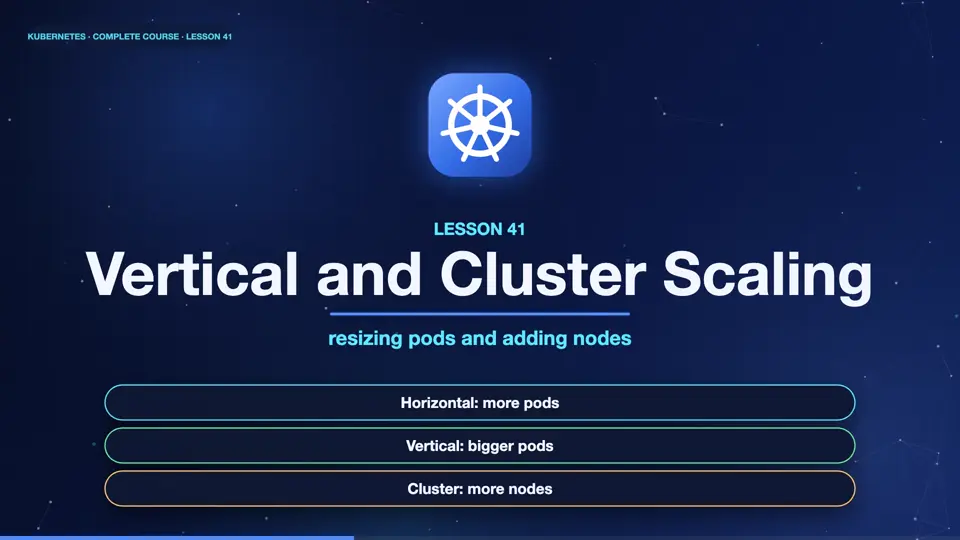
- Horizontal: more pods
- Vertical: bigger pods
- Cluster: more nodes
Horizontal versus vertical
Let's contrast the first two. Horizontal scaling adds more copies. It works best for stateless apps, like web servers, and it has no real ceiling. Vertical scaling gives each pod more C P U and memory. It suits apps that cannot be duplicated easily, and it helps you pick the right requests, in the first place. The vertical pod autoscaler watches real use over time, and recommends, or sets, better requests. One caution, changing a pod's size usually means restarting it.
Horizontal (HPA)
- Adds or removes pods
- Best for stateless apps
- No hard ceiling
- No restart of existing pods
Vertical (VPA)
- Resizes each pod
- Best for single instances
- Finds the right requests
- Usually restarts the pod
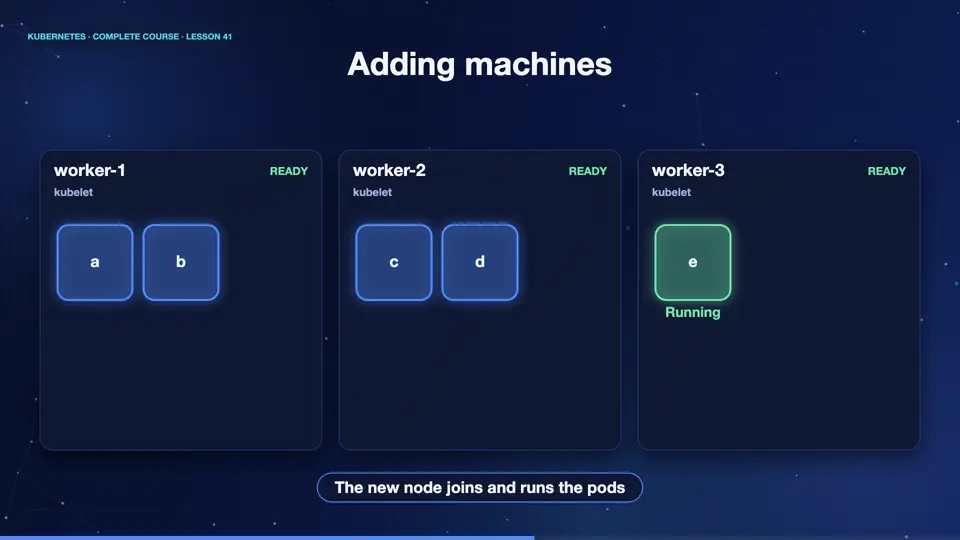
Adding machines
The third kind adds whole machines. Imagine the autoscaler wants more pods, but every node is full. The new pods stay pending, with no room. The cluster autoscaler notices pending pods, and asks the cloud provider for another node. A minute or two later, the machine joins, and the pods are scheduled. When nodes sit mostly empty, it removes them, to save money. Tools like Karpenter do the same job, with smarter choices of machine sizes.
Three autoscalers, three jobs
Here is the summary. The horizontal pod autoscaler changes the number of pods, using metrics like C P U. The vertical pod autoscaler changes the size of pods, using their history. And the cluster autoscaler changes the number of nodes, reacting to pending pods. Beware of fighting. Do not let the H P A and the V P A both react to C P U on the same workload, they will pull in opposite directions.
| Autoscaler | What it changes | Triggered by |
|---|---|---|
| HPA | number of pods | CPU, memory, custom metrics |
| VPA | pod requests | real usage over time |
| Cluster autoscaler | number of nodes | pods that cannot be scheduled |
Summary
Excellent. Three autoscalers cooperate. Horizontal scaling adds pods, vertical scaling resizes them, and the cluster autoscaler adds machines. Next, the data that powers autoscaling, and how you can see what your cluster is using, the metrics server.
Key takeaways- HPA: pods, VPA: sizes
- Cluster autoscaler: nodes
- Do not mix HPA and VPA on CPU