
Read Replicas and Lag
Scaling reads.
Most apps read far more than they write. Shoply's customers view a hundred products for every order they place. Followers can answer those reads, which spreads the load. But there's a catch, called replication lag.
- Many reads, few writes
- Followers answer reads
- But there's lag
Splitting reads and writes
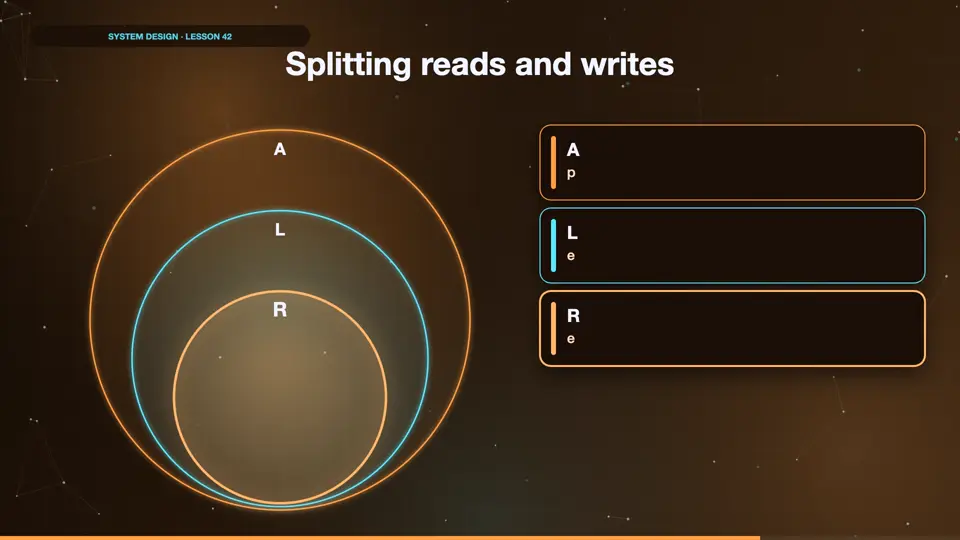
The app sends every write to the leader, and every read to one of the read replicas. With four replicas, we can handle roughly five times as many reads. And if we need more, we add more replicas.
Seeing replication lag
Here's the catch. A user changes their name. The write goes to the leader, but the replica receives it a moment later. Run it. If the user reads from the replica too soon, they see their old name. That's confusing. A common fix is read your own writes. For a few seconds after a change, read that user's data from the leader.
leader = {"name": "Sam"}
replica = {"name": "Sam"}
pending = []

leader["name"] = "Samira"          # user saves a new name
pending.append(("name", "Samira"))  # copy is on its way

print("read from replica:", replica["name"])

for key, value in pending:          # replication catches up
    replica[key] = value
print("a moment later: ", replica["name"])read from replica: Sam a moment later: Samira
Summary
Read replicas let you scale reads by adding copies, but they lag behind the leader. For a user's own changes, read from the leader. Next, splitting data across machines when even writes are too many.
Key takeaways- Writes to the leader
- Reads to replicas
- Watch out for lag