
Load Balancers
Spreading the work.
Shoply now has thousands of users, and one web server isn't enough. We add three more. But how do users reach them? A load balancer sits in front, and spreads the requests across all the servers.

- One server isn't enough
- Add more servers
- A load balancer spreads the work
Behind the balancer
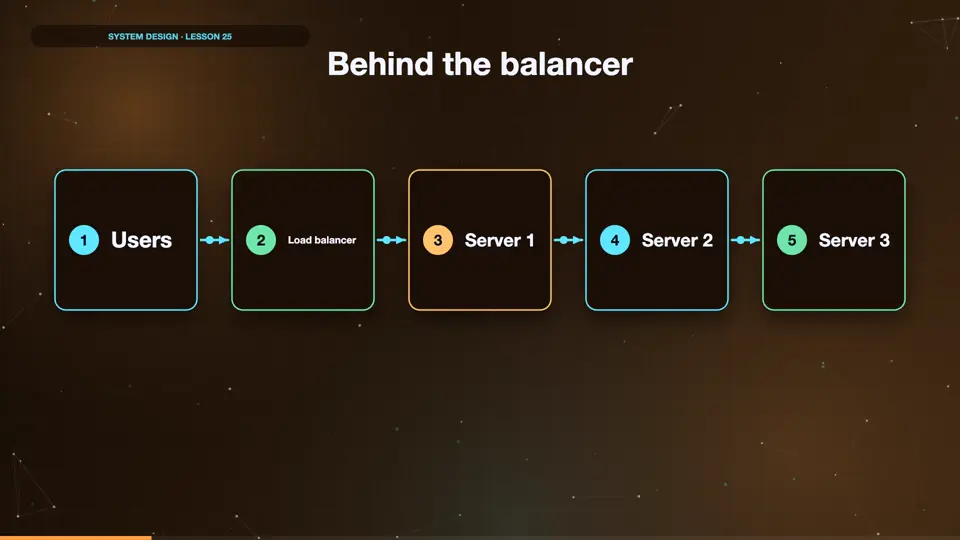
Users connect to one address, the load balancer's. The balancer picks a healthy server for each request, and forwards it. The server answers through the balancer. Users never know how many servers there are, so we can add or remove them freely.
- Users
- Load balancer
- Server 1
- Server 2
- Server 3
What it gives us
A load balancer gives us three things. Scale, because we can add servers when traffic grows. Availability, because if one server dies, the balancer stops sending it traffic. And easy updates, because we can take servers out one at a time to upgrade them, with no downtime.
Summary
A load balancer spreads requests across many servers, and skips the ones that fail. Next, how it decides which server gets each request.
Key takeaways- One address for users
- Many servers behind
- Failures are hidden