
Backpressure
When producers are faster.
On sale day, Shoply's checkout puts ten thousand messages a minute on the queue. The workers handle only six thousand. Every minute, the queue grows by four thousand. That can't go on forever.
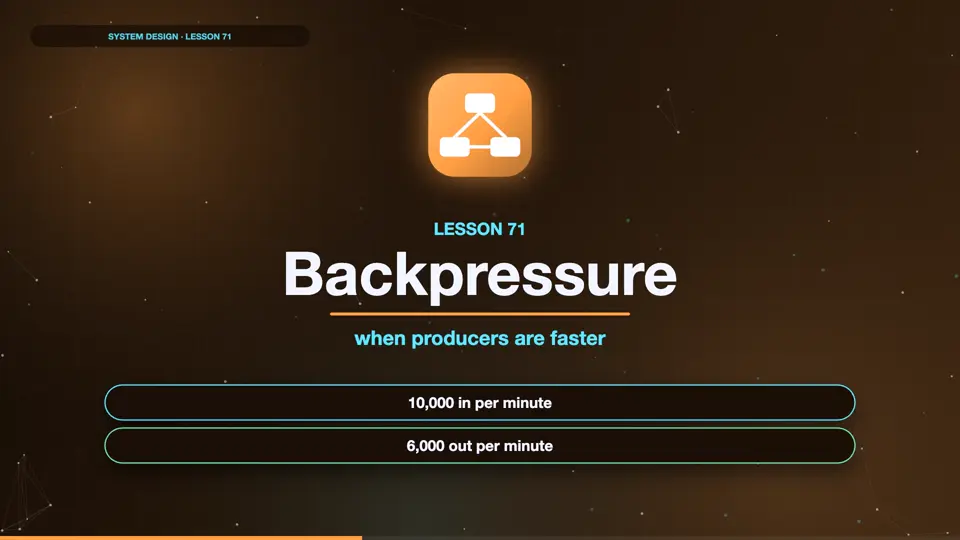
- 10,000 in per minute
- 6,000 out per minute
- The queue keeps growing
A growing queue
Let's simulate an hour of the sale. Run it. After an hour, the queue holds two hundred and forty thousand messages. At six thousand a minute, the last receipt goes out forty minutes after the sale ends. Watching queue length tells us we need more workers.
produced, consumed = 10_000, 6_000   # per minute
backlog = 0
for minute in range(1, 61):
    backlog += produced - consumed
    if minute % 20 == 0:
        print(f"minute {minute}: backlog {backlog:,}")
print(f"time to drain: {backlog / consumed:.0f} minutes after the sale")minute 20: backlog 80,000 minute 40: backlog 160,000 minute 60: backlog 240,000 time to drain: 40 minutes after the sale
Handling backpressure
There are several ways to respond. Add more consumers, often with autoscaling based on queue length. Slow down the producers, by making them wait or rate limiting them. Drop or delay low value work, like analytics, while keeping orders. And set a maximum queue size, so memory can't run out.
Summary
Backpressure is what happens when work arrives faster than it's done. Watch queue length, add consumers, and slow or shed work. Next, building whole systems around events.
Key takeaways- Watch queue length
- Add consumers
- Slow or shed work