
Functions
Write once, use everywhere.
Ava has noticed something. She calculates the price with tax in five different places in her program. Last week the tax rate changed, and she forgot to fix one of them. Customers were charged the wrong amount. The cure is to write the calculation once, give it a name, and call it whenever she needs it. That is a function.
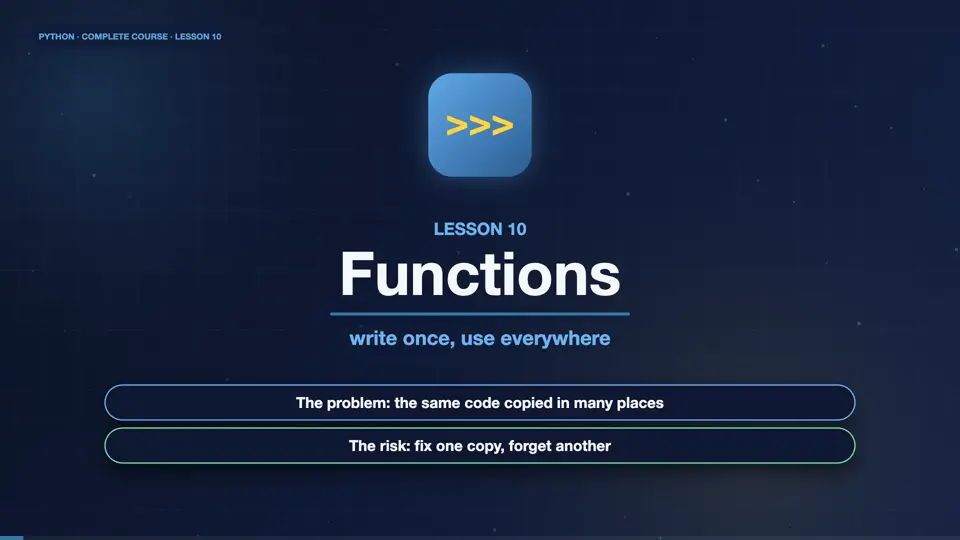
- The problem: the same code copied in many places
- The risk: fix one copy, forget another
- The cure: a function, written once
Anatomy of a function
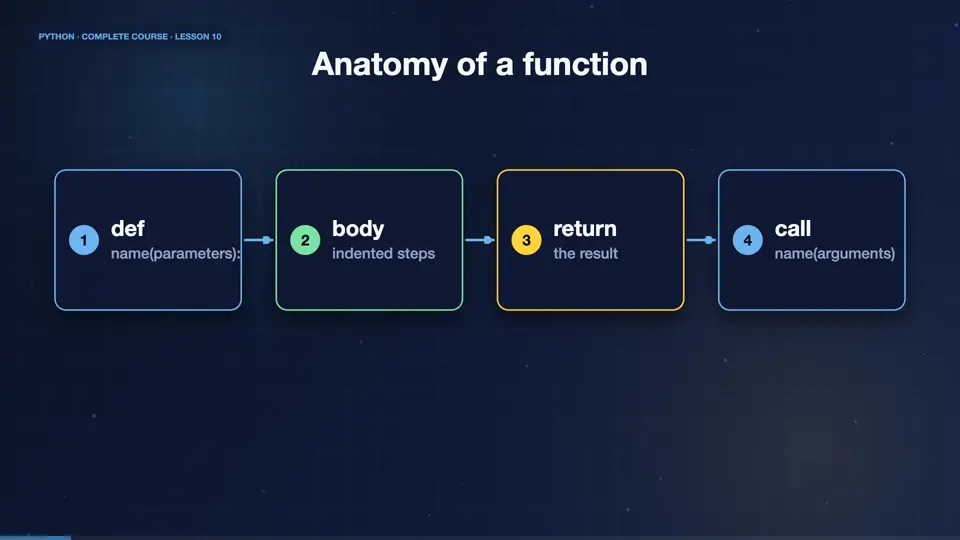
A function is a named, reusable block of code. You define it with the def keyword, a name, brackets with parameters, and a colon. The indented body is what it does. A return statement sends a result back. Then you call it by name, with arguments, and use the result anywhere.
- defname(parameters):
- bodyindented steps
- returnthe result
- callname(arguments)
Your first function
Here is a function that adds tax. The parameter, price, is a placeholder. When we call the function with twenty five, that value flows in, the body calculates, and return sends the answer back. We call it twice, with different prices, and reuse the same logic.
def add_tax(price):
    return price * 1.2

print(add_tax(25))
print(add_tax(100))30.0 120.0
Parameters, defaults and keywords
Functions can take several parameters. A default value makes a parameter optional. When calling, you can pass arguments by position, or by name, which is clearer and order does not matter. Here the delivery fee defaults to five dollars, and a customer who wants express shipping overrides it by name.
def total(price, qty=1, delivery=5):
    return price * qty + delivery

print(total(10))
print(total(10, 3))
print(total(10, qty=2, delivery=12))15 35 32
return versus print
A very common beginner mix up. Print shows something on the screen, but return hands a value back to the caller. A function without a return gives back None. If you want to use the result in more maths, you must return it. Here, the first function can be used in a calculation, and the second cannot.
def double_r(x):
    return x * 2

def double_p(x):
    print(x * 2)

a = double_r(5) + 1
print(a)
b = double_p(5)
print(b)11 10 None
Returning many values
A function can return several values at once, as a tuple, and you can unpack them straight away. Here, one function calculates the lowest, the highest, and the average of the day's sales. Good functions do one job, have a clear name, and are short.
def summary(sales):
    return min(sales), max(sales), sum(sales) / len(sales)

low, high, avg = summary([24, 9, 14, 40])
print(low, high, avg)9 40 21.75
Docstrings and good style
Describe your function with a docstring, a string in triple quotes, right under the def line. Tools and the help function show it. Choose verbs for names, like add tax or send email. Keep functions short, so each does one thing. A function that fits on one screen is easy to read, test and reuse.
Scope: where variables live
Variables created inside a function are local. They exist only while the function runs, and the outside world cannot see them. A function can read outside variables, but to change a global one, you would need the global keyword, which is usually a sign to return values instead. Local scope keeps functions independent and safe.
rate = 0.2

def price_with_tax(p):
    tax = p * rate
    return p + tax

print(price_with_tax(50))
print("tax" in dir())60.0 False
Plant age function
Your turn. Write a function called describe, that takes a plant name and the days since it was planted. It should return a sentence, like, Fern is 30 days old. Then call it, and print the result. Ready? Here is one solution. An f string, a return, and a call.
Write describe(name, days) returning "<name> is <days> days old", then call and print it.
Show hint
return an f-string
Show solution
def describe(name, days):
    return f"{name} is {days} days old"

print(describe("Fern", 30))Fern is 30 days old
Summary
That wraps up functions. You define them with def, pass parameters, use defaults and keywords, and send results back with return. You also know that local variables stay inside. Next, we unlock the more advanced tricks that make functions truly flexible.
Key takeaways- def name(params): return result
- Defaults and keyword arguments
- Print shows, return hands back