
Git and GitHub
Two different things.
People often mix up Git and GitHub. They work together, but they're not the same thing. Git is a program that runs on your own computer. GitHub is a website that stores copies of Git projects online.
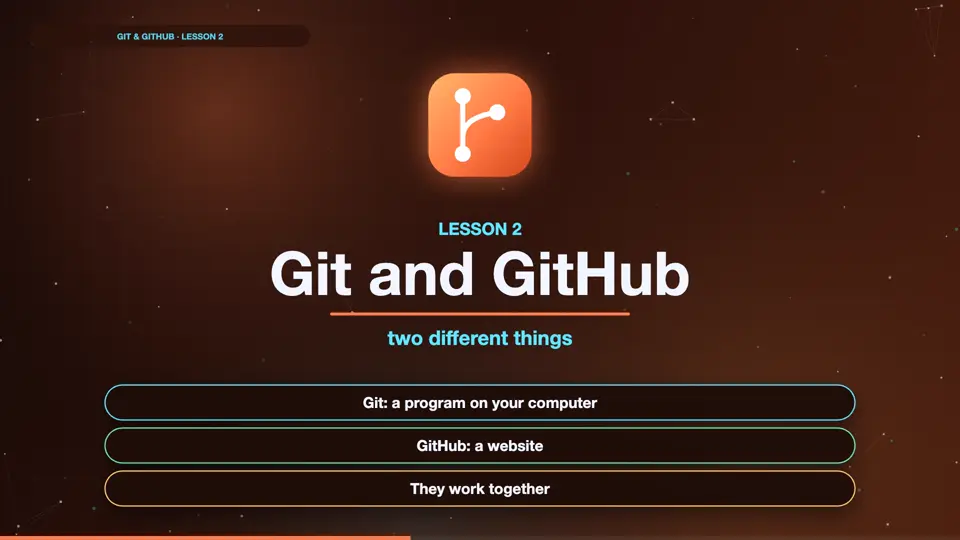
- Git: a program on your computer
- GitHub: a website
- They work together
Git versus GitHub
Git keeps the history of your project, right on your laptop. It works even with no internet. GitHub is a place on the internet where you upload that history. That gives you a backup, and it lets other people see your work, and work on it with you.
Git
- A program
- On your computer
- Works offline
GitHub
- A website
- Stores projects online
- Backup and teamwork
How they fit together
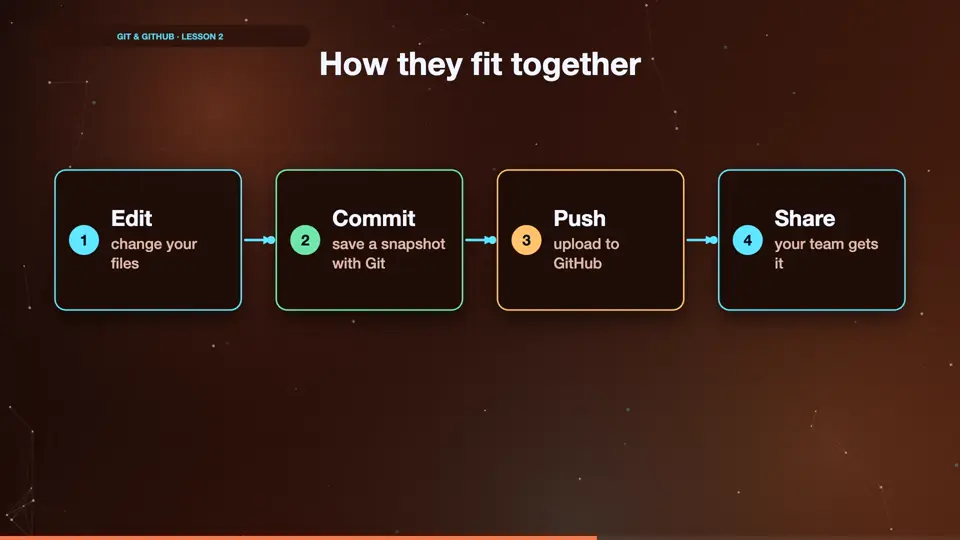
Here's the usual flow. You change files on your computer. You save a snapshot with Git. Then you upload your snapshots to GitHub, so they're safe, and your team can get them. We'll learn Git first, on its own, and add GitHub later in the course.
- Editchange your files
- Commitsave a snapshot with Git
- Pushupload to GitHub
- Shareyour team gets it
Summary
Git is the tool, GitHub is the website. You'll learn Git first, then GitHub. Next, let's check that Git is installed.
Key takeaways- Git: the program
- GitHub: the website
- Git first, GitHub later