
Fixing a Conflict
Step by step.
Fixing a conflict always follows the same four steps. Open the file. Choose what the line should be. Remove Git's markers. Then add and commit. Let's do it.
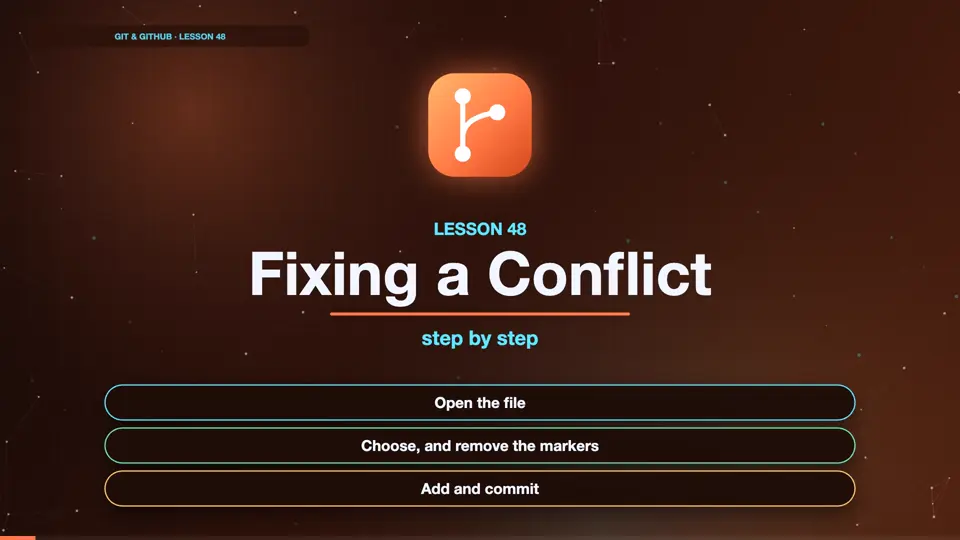
- Open the file
- Choose, and remove the markers
- Add and commit
Look at the file
After the failed merge, let's look inside the file with cat. Git has written both versions into it, wrapped in special markers.
git merge title
Auto-merging index.html
CONFLICT (content): Merge conflict in index.html
Automatic merge failed; fix conflicts and then commit the result.
cat index.html
<<<<<<< HEAD
<h1>Sam's Site</h1>
=======
<h1>My Portfolio</h1>
>>>>>>> title
<p>Welcome!</p>
<a href="about.html">About</a>
Reading the markers
The line with the less than signs starts the conflict. Below it is our version, from head, which is main. The line of equals signs separates the two sides. Below it is their version, from the title branch. The greater than signs end the conflict. Everything outside the markers merged fine.
<<<<<<< HEAD
<h1>Sam's Site</h1>
=======
<h1>My Portfolio</h1>
>>>>>>> title
<p>Welcome!</p>
<a href="about.html">About</a>
Choosing the result
In our editor, we decide what the line should be. We could keep one side, or the other, or write something new. We'll combine them, Sam's portfolio. Most importantly, we delete all three marker lines. Then we save the file.
<h1>Sam's Portfolio</h1>
<p>Welcome!</p>
<a href="about.html">About</a>Finish the merge
Back in the terminal, we tell Git the conflict is solved, with git add. Then git commit, with no edit, to keep the default merge message. The graph shows the merge commit joining both branches. Conflict solved.
git add index.html
git commit --no-edit
[main a8b5466] Merge branch 'title'
git log --oneline --graph -n 4
*   a8b5466 (HEAD -> main) Merge branch 'title'
|\
| * 18e1087 (title) Rename site to My Portfolio
* | 89cd127 Rename site to Sam's Site
|/
* f63a17a Link to about page
Summary
Open the file, choose, remove the markers, then add and commit. That's every conflict you'll ever fix. Next, the emergency exit, and how to avoid conflicts.
Key takeaways- <<<<<<< ======= >>>>>>>
- Edit, remove markers
- git add, then git commit