
Routers & Tests
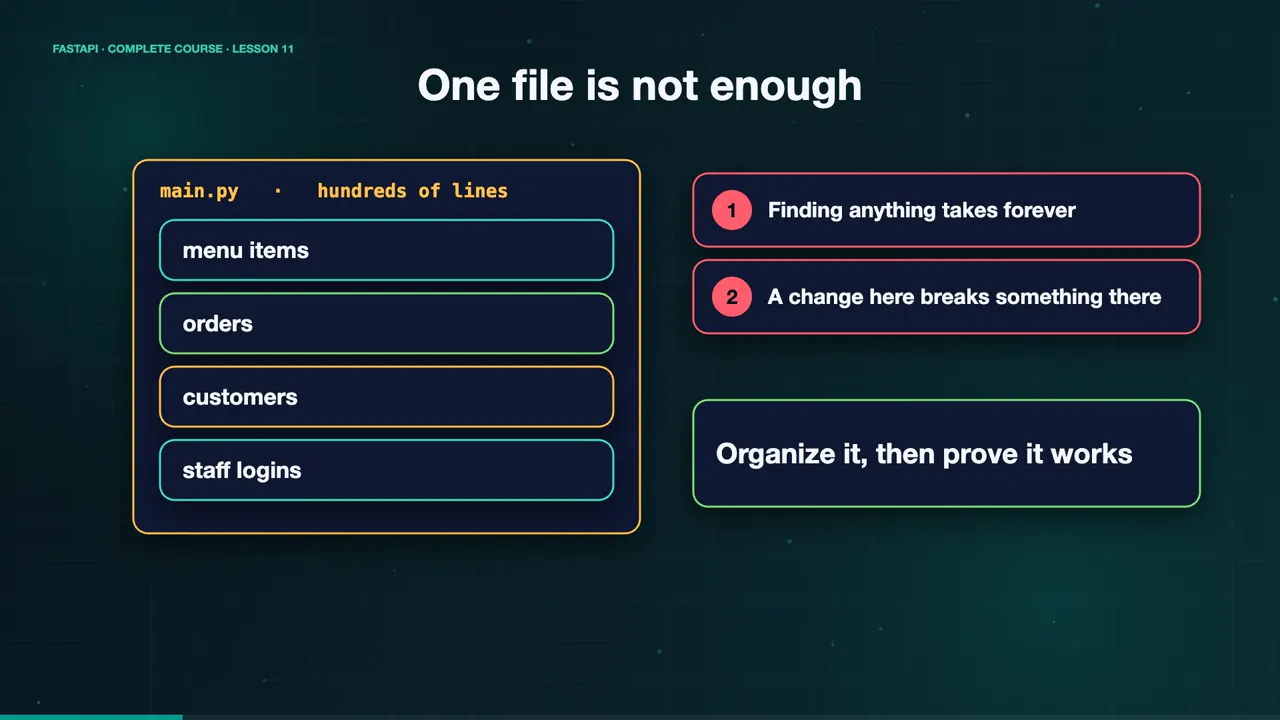
Maya's API has grown. Menu items, orders, customers, staff logins. It all lives in one file of hundreds of lines. Finding anything takes forever, and a change in one place can quietly break something somewhere else. It is time to organize the code, and to prove that everything still works.
APIRouter: a mini application
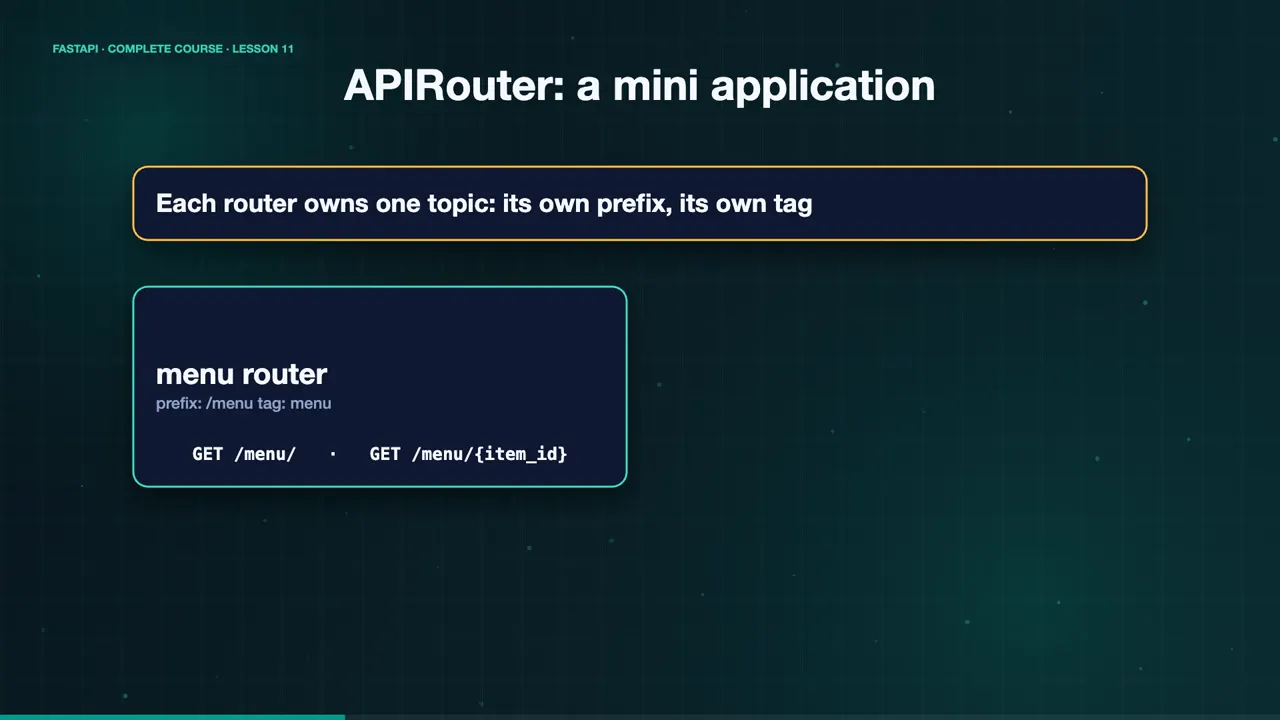
FastAPI's answer to a big file is the API router. Think of it as a mini application. Each router owns one topic, with its own prefix, and its own tag. The menu router handles slash menu. The orders router handles slash orders.
A clean layout
Here is a clean project layout. The app folder holds main dot py, and a routers folder, with one file per topic. And next to it, a tests folder. Small files, with one clear job each.
find app tests -name '*.py' | sort
app/__init__.py
app/main.py
app/routers/__init__.py
app/routers/menu.py
app/routers/orders.py
tests/test_api.py
Create a router, then include it
The menu router creates an API router, with the prefix slash menu, and the tag menu. Its endpoints use plain router dot get, with paths relative to that prefix. In main dot py, we create the app, and include each router. That is all it takes.
router = APIRouter(prefix="/menu", tags=["menu"])

@router.get("/")
def list_items(): ...

@router.get("/{item_id}")
def read_item(item_id: int): ...from app.routers import menu, orders
app = FastAPI(title="Sweet Crumbs API")
app.include_router(menu.router)
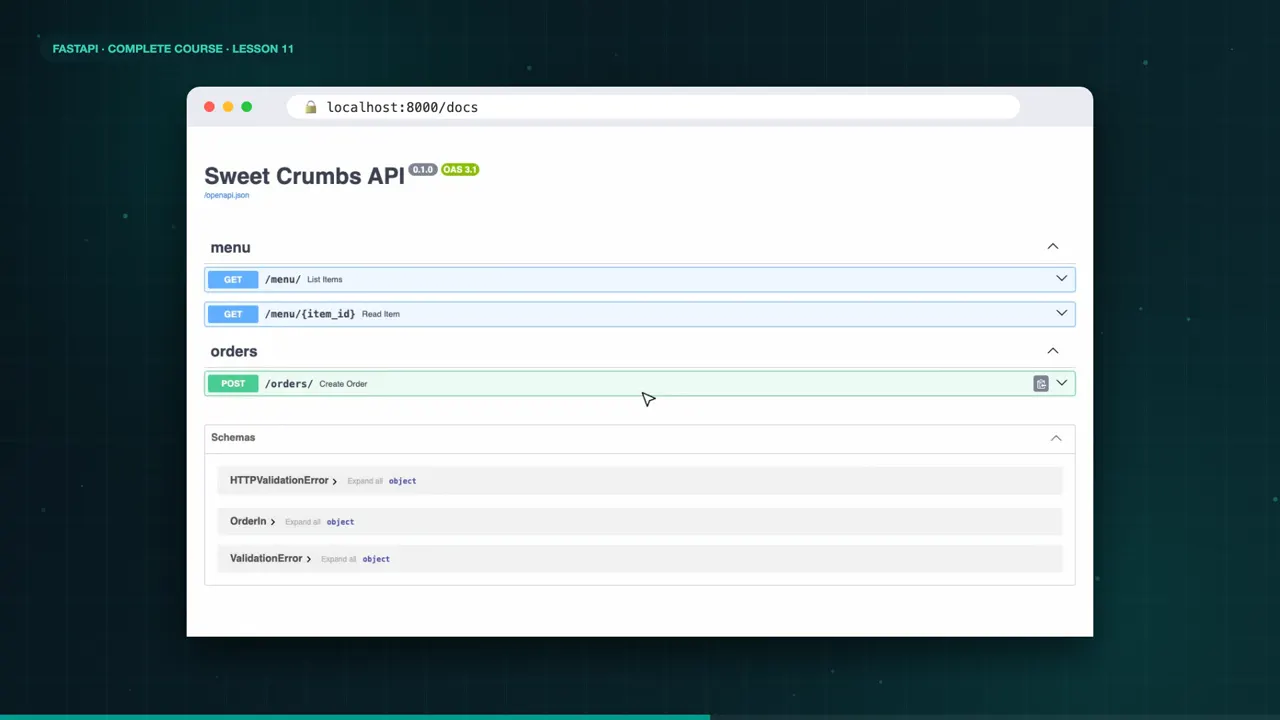
app.include_router(orders.router)The docs reflect that structure. Endpoints are grouped by tag, so menu and orders each get their own section.
Prove it with tests
Now, the proof. Automated tests. FastAPI ships a TestClient, built on httpx, that calls your app directly, without starting a server. You write plain functions that start with test. Make a request, and assert what you expect.
client = TestClient(app)

def test_list_menu():
    response = client.get("/menu/")
assert response.status_code == 200Four checks
We check that the menu returns three items. That a missing item gives a four hundred and four, with our message. That a valid order is created, with a two hundred and one. And that an invalid order is rejected, with a four twenty two.
Run the tests
Run pytest dash v. Four tests, four passes, in a fraction of a second. If someone breaks the API later, a test turns red before a customer ever sees it.
python -m pytest -v
============================= test session starts ==============================
platform darwin -- Python 3.13, pytest 9
rootdir: ~/sweet-crumbs
collecting ... collected 4 items

tests/test_api.py::test_list_menu PASSED                                 [ 25%]
tests/test_api.py::test_missing_item_returns_404 PASSED                  [ 50%]
tests/test_api.py::test_create_order PASSED                              [ 75%]
tests/test_api.py::test_invalid_order_is_rejected PASSED                 [100%]

============================== 4 passed in 0.24s ===============================
Summary
Maya's code is now organized, and tested. There is only one step left, and that is shipping it. In the final lesson, we deploy with Docker, and recap the whole course. See you there.
Key takeaways- APIRouter splits a big API into topics
- include_router puts it together
- TestClient + pytest prove it works