
Async, Background Tasks & CORS
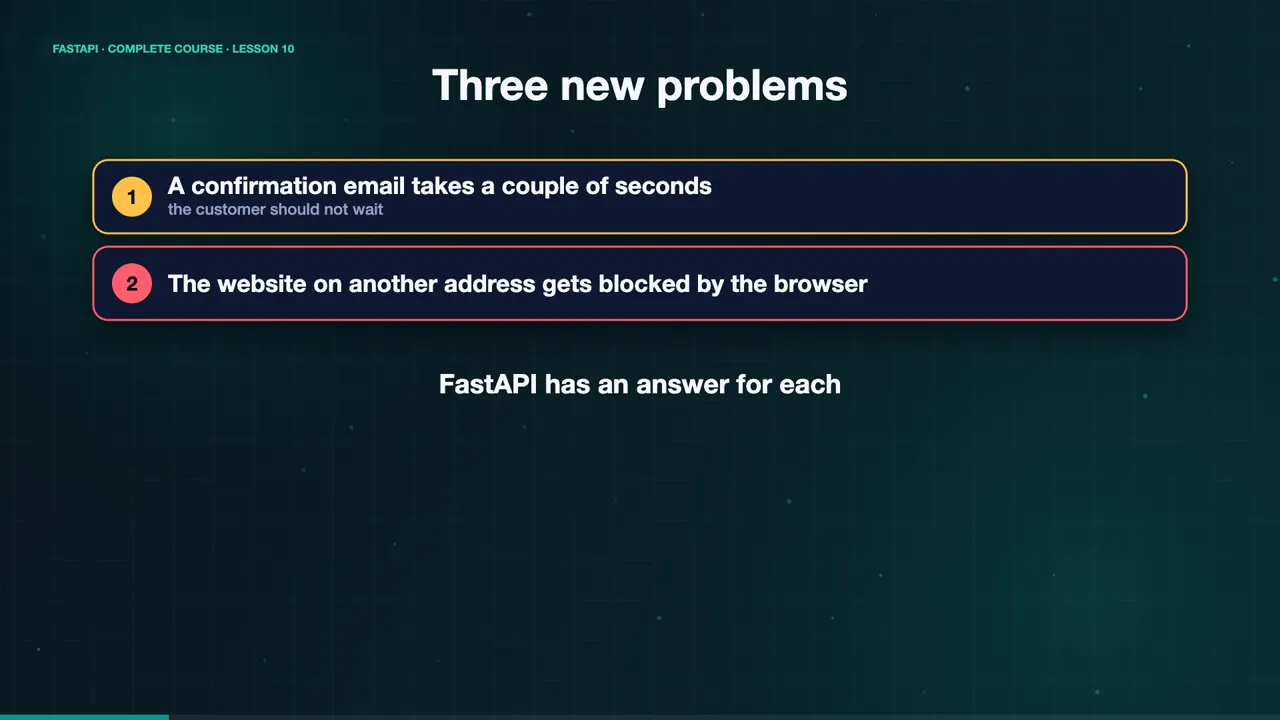
Orders are rolling in, and Maya wants to send a confirmation email for every one. But sending an email takes a couple of seconds, and the customer should not have to wait. Meanwhile, her web developer is building a website on a different address, and the browser keeps blocking its requests. Three problems, and FastAPI has an answer for each. Async, background tasks, and CORS.
async def and await
First, async. Normal def functions work fine, because FastAPI runs them in a thread pool. But when your code spends its time waiting, for a database, or for another service, async def lets one server handle many requests at once. Inside async def, use await with async friendly code, like asyncio sleep. One warning. Never call a blocking function, like time sleep, inside async def. It freezes everything.
async def oven():
    await asyncio.sleep(1)      # waiting: others can run
    return {"baked": True}

async def bad_oven():
time.sleep(1) # blocking: freezes everything!Five at once
Let's test it. Our oven endpoint takes one second. Five customers call it at the same time. Because the function awaits, all five finish together, in about one second, not five.
time curl -s localhost:8000/oven
{"baked":true}
real 1.048s
time seq 5 | xargs -P5 -I{} curl -s localhost:8000/oven
{"baked":true}{"baked":true}{"baked":true}{"baked":true}{"baked":true}
real 1.019s
Middleware wraps every request
A middleware wraps every request. This one starts a timer, calls the endpoint, and then adds an X Process Time header to the response. Now every answer tells you how long it took.
@app.middleware("http")
async def add_process_time_header(request: Request, call_next):
    start = time.perf_counter()
    response = await call_next(request)
    response.headers["X-Process-Time"] = f"{time.perf_counter() - start:.3f}"
return responsecurl -si localhost:8000/oven | grep -i x-process-time x-process-time: 1.000
Background tasks
Now the email. A background task runs after the response has been sent. We add a BackgroundTasks parameter to the endpoint, and call add task with the slow function. The customer gets an instant answer, and the email is sent in the background.
def send_confirmation(email: str):
    time.sleep(2)
    with open("emails.log", "a") as log:
        log.write(f"confirmation sent to {email}\n")

@app.post("/orders/{order_id}/confirm")
def confirm_order(order_id: int, email: str, background: BackgroundTasks):
    background.add_task(send_confirmation, email)
    return {"order_id": order_id, "message": "Confirmation will be sent shortly"}
Watch the timing
Watch the timing. The confirm endpoint answers in twelve milliseconds. The log file does not exist yet. Two seconds later, the email has been sent, and the log has its line.
time curl -s -X POST 'localhost:8000/orders/1001/confirm?email=sam@example.com'
{"order_id":1001,"message":"Confirmation will be sent shortly"}
real 0.012s
cat emails.log
cat: emails.log: No such file or directory
sleep 2; cat emails.log
confirmation sent to sam@example.com
CORS: who may call your API?
Last problem. Browsers block a web page from calling an API on a different address, unless the API allows it. That rule is called CORS. Add the CORS middleware, and list the origins you trust, like Maya's website, on localhost three thousand.
app.add_middleware(
    CORSMiddleware,
    allow_origins=["http://localhost:3000"],
    allow_methods=["*"],
    allow_headers=["*"],
)
Check the headers
Test it with an origin header. The trusted origin gets an access control allow origin header back. An unknown origin gets nothing, and the browser would block it.
curl -si -H 'Origin: http://localhost:3000' localhost:8000/oven | grep -i access-control
access-control-allow-origin: http://localhost:3000
curl -si -H 'Origin: http://evil.example' localhost:8000/oven | grep -i access-control
(no access-control header)
The complete code for this lesson
Here is the full main.py exactly as it runs at the end of this lesson. Save it, install FastAPI with pip install "fastapi[standard]", and start it with fastapi dev main.py, then open http://127.0.0.1:8000/docs.
import asyncio
import time

from fastapi import BackgroundTasks, FastAPI, Request
from fastapi.middleware.cors import CORSMiddleware

app = FastAPI(title="Sweet Crumbs API")

app.add_middleware(
    CORSMiddleware,
    allow_origins=["http://localhost:3000"],
    allow_methods=["*"],
    allow_headers=["*"],
)


@app.middleware("http")
async def add_process_time_header(request: Request, call_next):
    start = time.perf_counter()
    response = await call_next(request)
    response.headers["X-Process-Time"] = f"{time.perf_counter() - start:.3f}"
    return response


@app.get("/oven")
async def oven():
    await asyncio.sleep(1)
    return {"baked": True}


def send_confirmation(email: str):
    time.sleep(2)
    with open("emails.log", "a") as log:
        log.write(f"confirmation sent to {email}\n")


@app.post("/orders/{order_id}/confirm")
def confirm_order(order_id: int, email: str, background: BackgroundTasks):
    background.add_task(send_confirmation, email)
    return {"order_id": order_id, "message": "Confirmation will be sent shortly"}
Summary
So use async def for waiting work, background tasks for slow jobs after the response, and CORS for web front ends. Maya's API is getting big. Time to organize it, and prove that it works. In the next lesson, routers and tests. See you there.
Key takeaways- async def for waiting work
- Background tasks for slow jobs
- CORS for web front ends