
Request Bodies
Customers can look up orders, and search the menu. Now comes the moment Maya has been waiting for. Placing an order. An order carries a lot of information. Who the customer is, which items they want, how many, and when they will pick them up. That does not fit in a URL. It travels in the request body, as JSON.
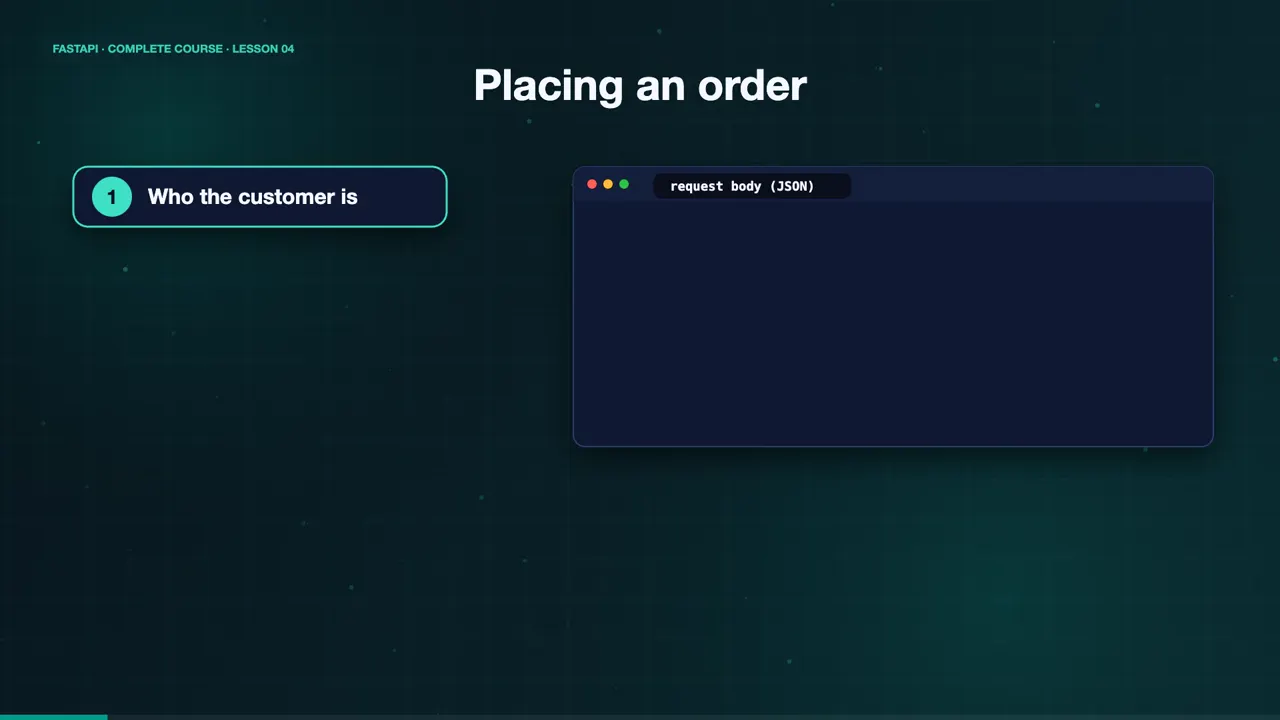
{
  "customer": { "name": "Sam" },
  "items": [
    { "name": "Croissant", "quantity": 4 }
  ],
  "pickup_time": "5pm"
}Describe the data with a model
To receive a body, you declare a Pydantic model. A model is a Python class that inherits from BaseModel, with fields and their types. Here, an order item has a name, and a quantity. A customer has a name, and an optional phone number.
class OrderItem(BaseModel):
    name: str
    quantity: int = Field(ge=1, le=20)

class Customer(BaseModel):
    name: str = Field(min_length=2)
    phone: str | None = None
Models inside models
Models can contain other models. An order has a customer, a list of order items, a pickup time with a default, and an optional note. Then the endpoint takes one parameter, typed as Order. That is all FastAPI needs to read the JSON, validate every field, and give you a ready to use Python object.
class Order(BaseModel):
    customer: Customer
    items: list[OrderItem]
    pickup_time: str = "as soon as possible"
    note: str | None = None

@app.post("/orders/")
def create_order(order: Order):
...Place an order
Let's place an order. We send a POST request, with a JSON body. Sam orders one chocolate cake, and four croissants. The API answers with an order number, and the total items, five, calculated from the validated data. Notice the note field was left out, so it defaults to null.
curl -s -X POST localhost:8000/orders/ -H 'Content-Type: application/json' -d '{"customer":{"name":"Sam","phone":"555-0100"},"items":[{"name":"Chocolate Cake","quantity":1},{"name":"Croissant","quantity":4}],"pickup_time":"5pm"}'
{"order_id":1003,"total_items":5,"order":{"customer":{"name":"Sam","phone":"555-0100"},"items":[{"name":"Chocolate Cake","quantity":1},{"name":"Croissant","quantity":4}],"pickup_time":"5pm","note":null}}
When the data is wrong
Now suppose the data is wrong. A customer name with one letter, and a quantity of zero. FastAPI returns a four twenty two, and reports both mistakes at once, with the exact location of each. And if a required field is missing, it says so, too.
curl -s -X POST localhost:8000/orders/ -H 'Content-Type: application/json' -d '{"customer":{"name":"S"},"items":[{"name":"Croissant","quantity":0}]}'
{"detail":[{"type":"string_too_short","loc":["body","customer","name"],"msg":"String should have at least 2 characters","input":"S","ctx":{"min_length":2}},{"type":"greater_than_equal","loc":["body","items",0,"quantity"],"msg":"Input should be greater than or equal to 1","input":0,"ctx":{"ge":1}}]}
curl -s -X POST localhost:8000/orders/ -H 'Content-Type: application/json' -d '{"items":[]}'
{"detail":[{"type":"missing","loc":["body","customer"],"msg":"Field required","input":{"items":[]}}]}
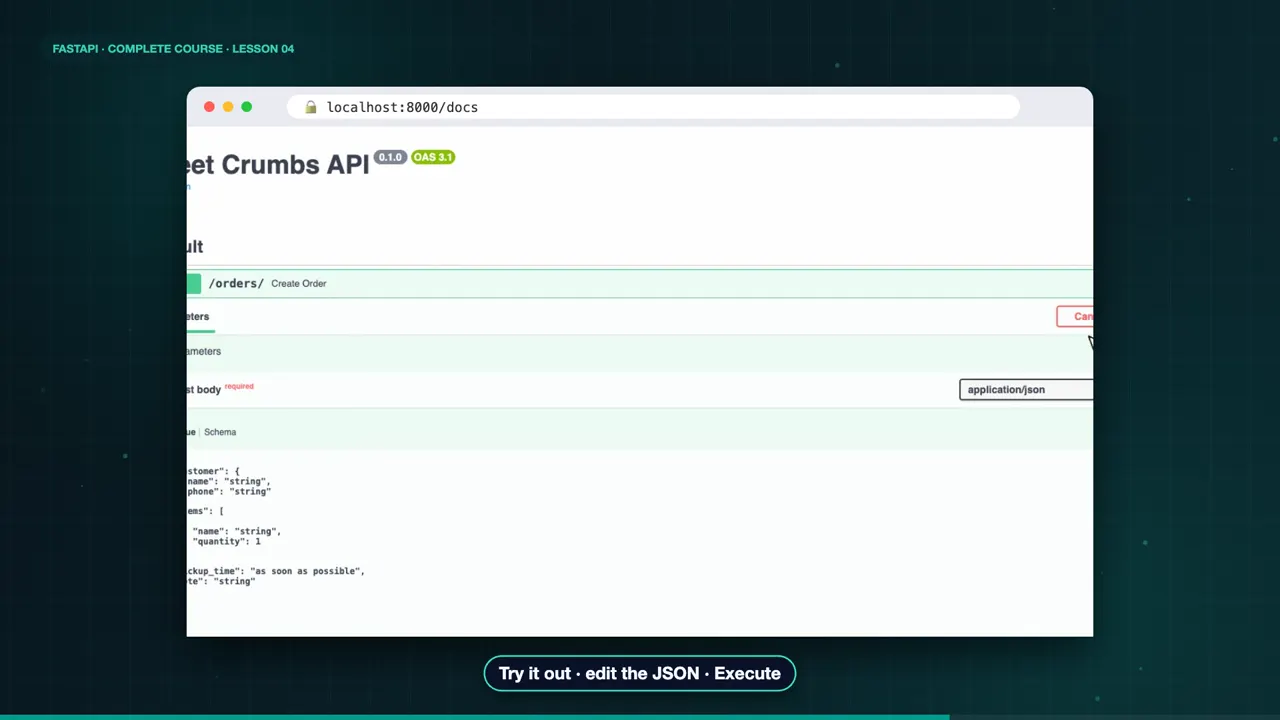
In the docs, the endpoint shows a request body, with an example generated from your model. Click Try it out, edit the JSON if you like, and execute. There it is, a real order, placed from the browser.
Rules live in the model
Use Field to add rules to a model, like a minimum length, or a range for a number. Because the rules live in the model, they are reused everywhere that model appears.
class OrderItem(BaseModel):
    name: str
    quantity: int = Field(ge=1, le=20)

class Customer(BaseModel):
    name: str = Field(min_length=2)
The complete code for this lesson
Here is the full main.py exactly as it runs at the end of this lesson. Save it, install FastAPI with pip install "fastapi[standard]", and start it with fastapi dev main.py, then open http://127.0.0.1:8000/docs.
from fastapi import FastAPI
from pydantic import BaseModel, Field

app = FastAPI(title="Sweet Crumbs API")


class OrderItem(BaseModel):
    name: str
    quantity: int = Field(ge=1, le=20)


class Customer(BaseModel):
    name: str = Field(min_length=2)
    phone: str | None = None


class Order(BaseModel):
    customer: Customer
    items: list[OrderItem]
    pickup_time: str = "as soon as possible"
    note: str | None = None


@app.post("/orders/")
def create_order(order: Order):
    total_items = sum(i.quantity for i in order.items)
    return {"order_id": 1003, "total_items": total_items, "order": order}
Summary
So a request body is just a Pydantic model. Fields become validation, and models can be nested. Now customers can place orders. But the API sends back everything we receive, even data Maya may want to keep private. In the next lesson, response models and status codes. See you there.
Key takeaways- A request body is a Pydantic model
- Fields become validation
- Models can be nested