
A Real Database (SQLModel)
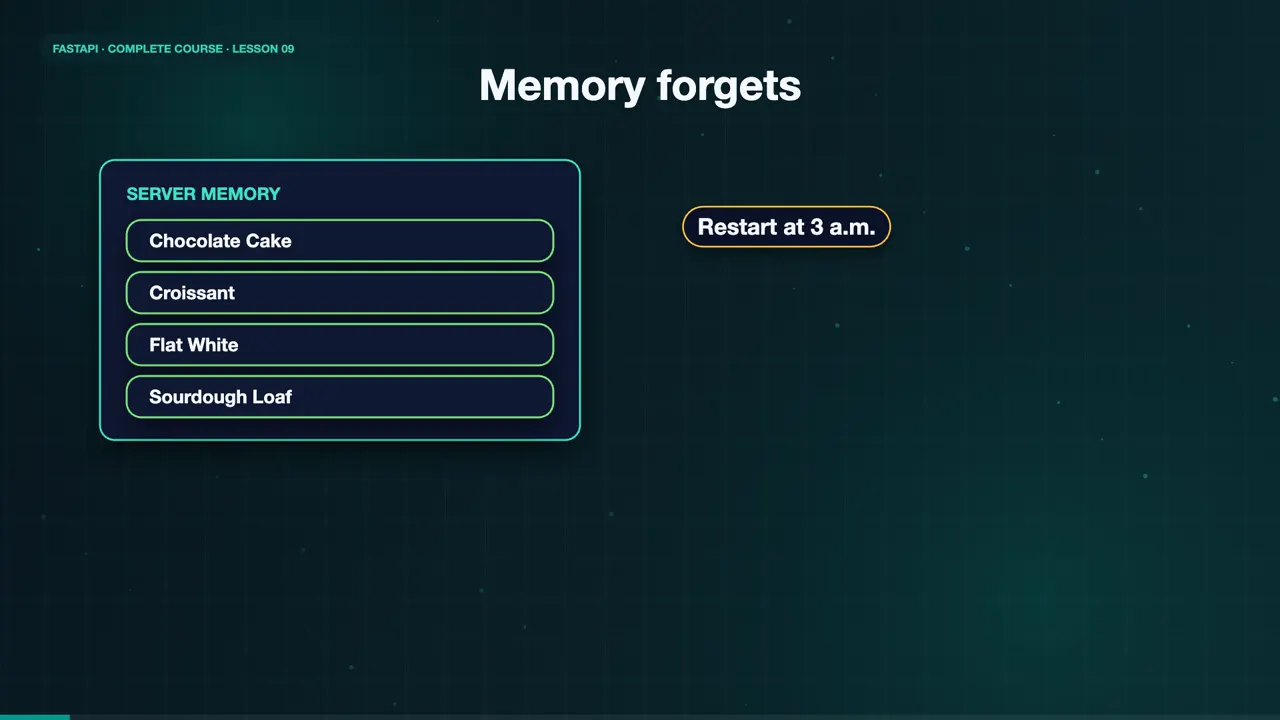
Disaster strikes at Sweet Crumbs. The server restarts in the middle of the night, and every menu change, and every order, is gone. All of Maya's data lived in memory, and memory forgets. She needs a real database.
SQLModel + SQLite
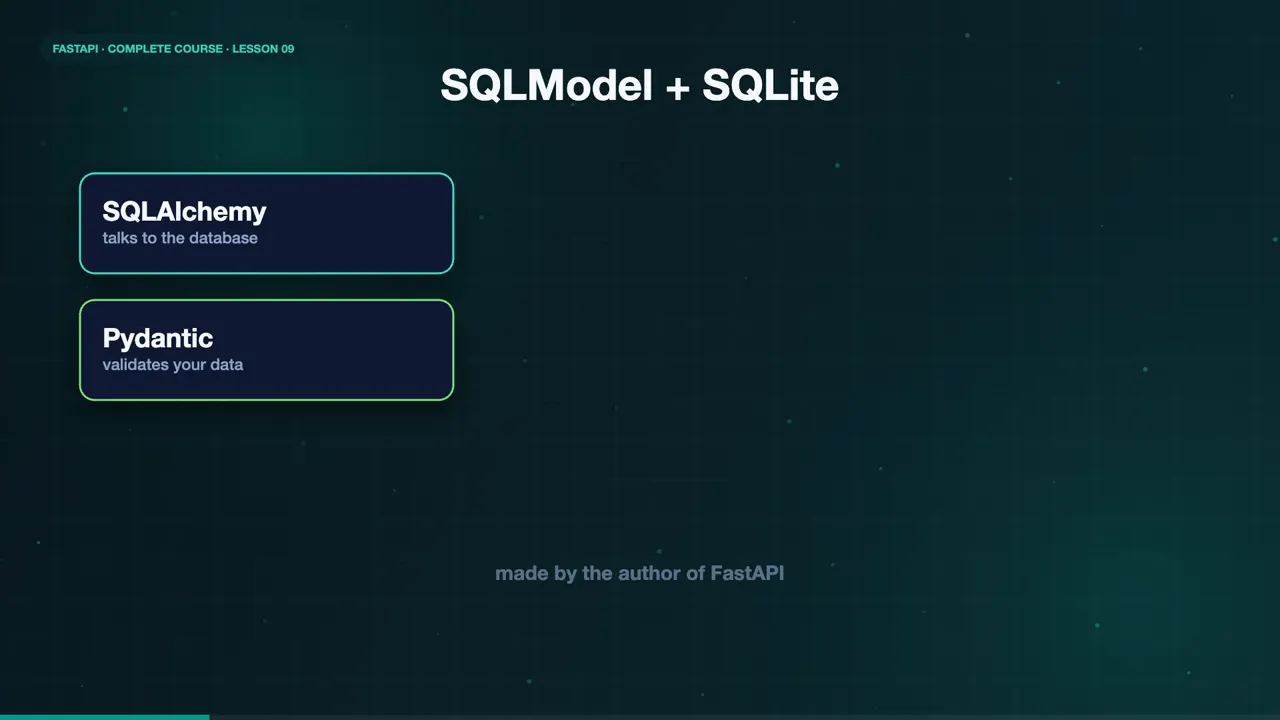
Meet SQLModel. It is built by the author of FastAPI, and it combines SQLAlchemy and Pydantic. One class describes both your database table, and your API data. We will use SQLite, a database that lives in a single file, with nothing to install.
A class becomes a table
A class that inherits from SQLModel, with table equals True, becomes a table. Each field becomes a column. The ID is the primary key, and starts as None, because the database assigns it. The name is indexed, so searching by name stays fast.
class MenuItem(SQLModel, table=True):
    id: int | None = Field(default=None, primary_key=True)
    name: str = Field(index=True)
    price: float
    available: bool = True
Engine, session, startup
The engine knows how to reach the database. A session is a conversation with it. We create one session per request, with a dependency that uses yield, exactly like lesson seven. When the request ends, the session closes. And at startup, create all makes the tables, if they do not exist yet.
engine = create_engine("sqlite:///database.db", connect_args={"check_same_thread": False})

def get_session():
    with Session(engine) as session:
        yield session

SessionDep = Annotated[Session, Depends(get_session)]

@asynccontextmanager
async def lifespan(app: FastAPI):
    SQLModel.metadata.create_all(engine)
yieldCreate, list, read
Now the endpoints. To create an item, add it to the session, commit, and refresh, to receive its new ID. To list items, run a select statement. To read one, ask the session to get it by ID, and raise a four hundred and four if it is missing. Deleting works the same way.
@app.post("/menu/", status_code=201)
def create_item(item: MenuItem, session: SessionDep):
    session.add(item)
    session.commit()
    session.refresh(item)
    return item

@app.get("/menu/")
def list_items(session: SessionDep, limit: int = 10):
    return session.exec(select(MenuItem).limit(limit)).all()

@app.get("/menu/{item_id}")
def read_item(item_id: int, session: SessionDep):
    item = session.get(MenuItem, item_id)
Run it
Let's run it. Start the server, and a database dot db file appears. Create a croissant, and a flat white. Each one gets an ID from the database. List the menu, and both are there.
ls database.db
database.db
curl -s -X POST localhost:8000/menu/ -H 'Content-Type: application/json' -d '{"name":"Croissant","price":4.0}'
{"price":4.0,"id":1,"name":"Croissant","available":true}
curl -s -X POST localhost:8000/menu/ -H 'Content-Type: application/json' -d '{"name":"Flat White","price":5.0}'
{"price":5.0,"id":2,"name":"Flat White","available":true}
curl -s localhost:8000/menu/
[{"price":4.0,"id":1,"name":"Croissant","available":true},{"price":5.0,"id":2,"name":"Flat White","available":true}]
Look inside the database
You can look at the database directly, with the sqlite three command line tool. The schema shows the table that SQLModel created from our class, and the select shows the rows. The data is really stored in that file.
sqlite3 database.db ".schema menuitem"
CREATE TABLE menuitem (
	id INTEGER NOT NULL,
	name VARCHAR NOT NULL,
	price FLOAT NOT NULL,
	available BOOLEAN NOT NULL,
	PRIMARY KEY (id)
);
CREATE INDEX ix_menuitem_name ON menuitem (name);
sqlite3 database.db "select * from menuitem"
1|Croissant|4.0|1
2|Flat White|5.0|1
The real test
Now the real test. Stop the server, and start it again. List the menu. Both items survived. That is the difference between memory and a database.
fastapi dev main.py
INFO:     Uvicorn running on http://127.0.0.1:8000 (Press CTRL+C to quit)
INFO:     Application startup complete.
curl -s localhost:8000/menu/
[{"price":4.0,"id":1,"name":"Croissant","available":true},{"price":5.0,"id":2,"name":"Flat White","available":true}]
The complete code for this lesson
Here is the full main.py exactly as it runs at the end of this lesson. Save it, install FastAPI with pip install "fastapi[standard]", and start it with fastapi dev main.py, then open http://127.0.0.1:8000/docs.
from contextlib import asynccontextmanager
from typing import Annotated

from fastapi import Depends, FastAPI, HTTPException, status
from sqlmodel import Field, Session, SQLModel, create_engine, select


class MenuItem(SQLModel, table=True):
    id: int | None = Field(default=None, primary_key=True)
    name: str = Field(index=True)
    price: float
    available: bool = True


engine = create_engine("sqlite:///database.db", connect_args={"check_same_thread": False})


def get_session():
    with Session(engine) as session:
        yield session


SessionDep = Annotated[Session, Depends(get_session)]


@asynccontextmanager
async def lifespan(app: FastAPI):
    SQLModel.metadata.create_all(engine)
    yield


app = FastAPI(title="Sweet Crumbs API", lifespan=lifespan)


@app.post("/menu/", status_code=status.HTTP_201_CREATED)
def create_item(item: MenuItem, session: SessionDep):
    session.add(item)
    session.commit()
    session.refresh(item)
    return item


@app.get("/menu/")
def list_items(session: SessionDep, limit: int = 10):
    return session.exec(select(MenuItem).limit(limit)).all()


@app.get("/menu/{item_id}")
def read_item(item_id: int, session: SessionDep):
    item = session.get(MenuItem, item_id)
    if item is None:
        raise HTTPException(status_code=404, detail="Menu item not found")
    return item


@app.delete("/menu/{item_id}", status_code=status.HTTP_204_NO_CONTENT)
def delete_item(item_id: int, session: SessionDep):
    item = session.get(MenuItem, item_id)
    if item is None:
        raise HTTPException(status_code=404, detail="Menu item not found")
    session.delete(item)
    session.commit()
Summary
Now Maya's menu is safe. Use a session dependency, SQLModel classes for tables, and the same patterns you already know. But what about slow jobs, like sending a confirmation email, while the customer waits? In the next lesson, async code, background tasks, and CORS. See you there.
Key takeaways- SQLModel: one class, a table and an API model
- A session per request, via a dependency
- Data that survives a restart