
Deploy with Docker & Recap
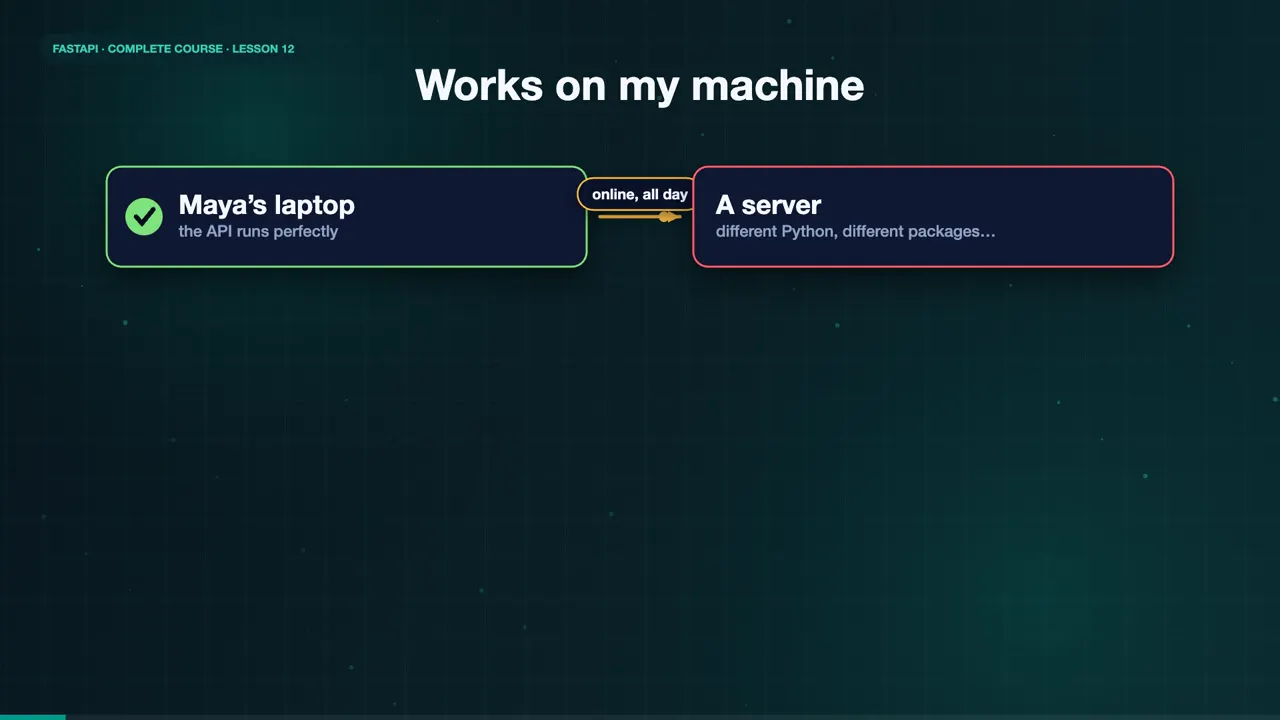
Maya's API works beautifully on her laptop. But her customers need it online, all day, on a server. And that brings the oldest problem in software. It works on my machine. Docker solves exactly that, by packaging the app together with everything it needs, so it runs the same way everywhere.
The Dockerfile
Here is the Dockerfile. Start from an official Python image. Copy the requirements file first, and install them, so Docker can cache that layer. Then copy the app, and start it with fastapi run, on port eighty. Fastapi run is the production command. No auto reload, and ready for real traffic.
FROM python:3.12-slim
WORKDIR /code
COPY requirements.txt .
RUN pip install --no-cache-dir -r requirements.txt
COPY ./app ./app
CMD ["fastapi", "run", "app/main.py", "--port", "80"]
Build the image
Build the image, and give it a name. Docker pulls the base image, installs FastAPI, and copies our code. The last step names the image, sweet crumbs api.
docker build -t sweet-crumbs-api .
#1 [internal] load build definition from Dockerfile
#1 DONE 0.0s
#2 [internal] load metadata for docker.io/library/python:3.12-slim
#3 DONE 0.0s
#2 DONE 2.4s
#4 [internal] load .dockerignore
#4 DONE 0.0s
#5 [internal] load build context
#5 DONE 0.0s
#6 [1/5] FROM docker.io/library/python:3.12-slim@sha256:aa943ce411423c7582288f18707ff66eddcbaeb510…
#6 DONE 1.8s
#6 DONE 2.1s
#7 [2/5] WORKDIR /code
#7 DONE 0.2s
#8 [3/5] COPY requirements.txt .
#8 DONE 0.0s
#9 [4/5] RUN pip install --no-cache-dir -r requirements.txt
#9 26.37 Successfully installed MarkupSafe-3.0.4 agent-detector-2.0.0 annotated-doc-0.0.5 annotate…
#9 DONE 26.9s
#10 [5/5] COPY ./app ./app
#10 DONE 0.0s
#11 naming to docker.io/library/sweet-crumbs-api:latest done
#11 DONE 3.2s
Run it in a container
Now run it. Dash p, eight thousand, colon eighty, maps port eight thousand on our computer, to port eighty inside the container. Call it with curl, and Maya's menu answers, from inside a container. Docker ps shows it running, and the logs show Uvicorn, serving the request.
docker run -d --name sweet-crumbs -p 8000:80 sweet-crumbs-api
6c901acf6cd29fe7d4281b1c2535f55dab1c4cfb9dd77b0989b6dc2634317886
curl -s localhost:8000/menu/
[{"name":"Chocolate Cake","price":18.0},{"name":"Sourdough Loaf","price":7.0},{"name":"Croissant","price":4.0}]
docker ps
NAMES          IMAGE              PORTS
sweet-crumbs   sweet-crumbs-api   0.0.0.0:8000->80/tcp
docker logs sweet-crumbs
INFO:     Started server process [1]
INFO:     Waiting for application startup.
INFO:     Application startup complete.
INFO:     Uvicorn running on http://0.0.0.0:80 (Press CTRL+C to quit)
INFO:     172.17.0.1:55168 - "GET /menu/ HTTP/1.1" 200 OK
Production tips
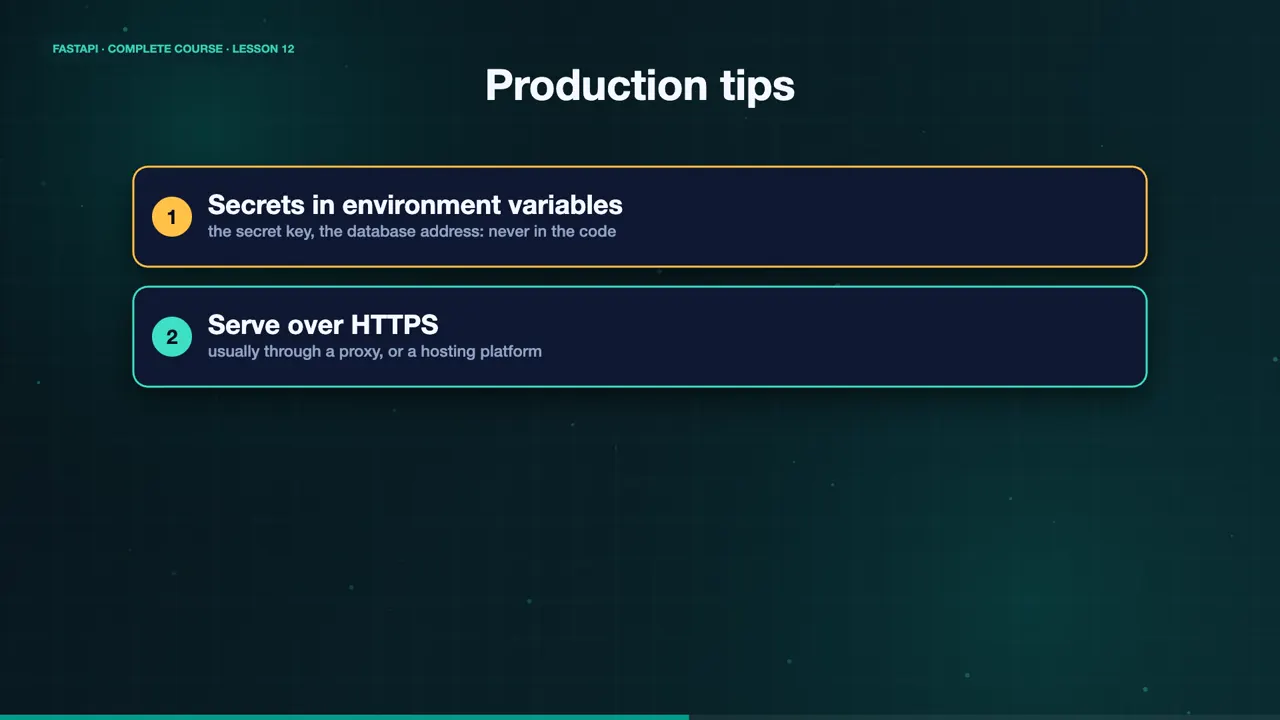
A few tips for production. Keep secrets, like the secret key, and the database address, in environment variables, never in the code. Serve your API over HTTPS, usually through a proxy, or a hosting platform. And when traffic grows, run more than one container. Because the image is the same everywhere, scaling is simple.
Maya’s journey
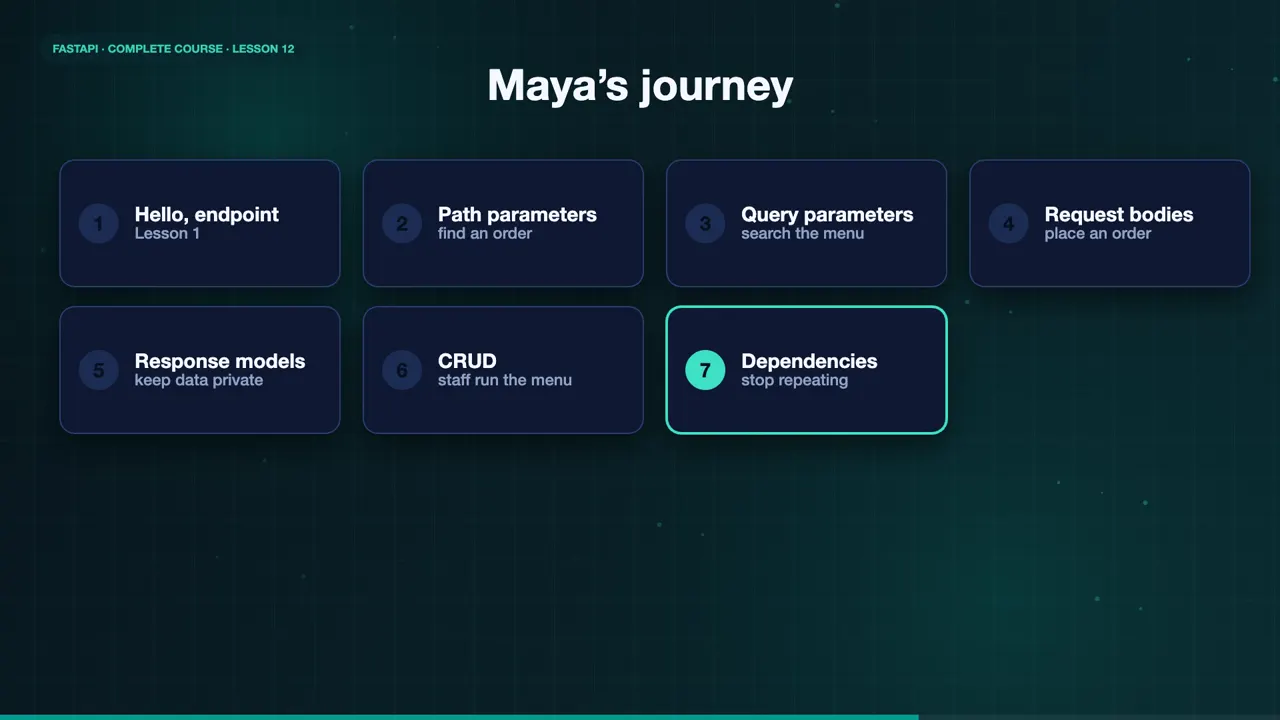
Let's look back at Maya's story. It began with a bakery, and a hello endpoint. Path parameters let customers find their orders. Query parameters let them search the menu. Request bodies took their orders. Response models kept private data private. Create, read, update, and delete, gave the staff control. Dependencies stopped the repeating. Authentication locked the staff area. A database made everything permanent. Async, background tasks, and CORS made it fast, and ready for the web. Routers and tests kept it tidy and trusted. And now, Docker ships it.
Where to go next
So where do you go next? Read the official FastAPI documentation, it is excellent. Extend Sweet Crumbs yourself, with payments, order history, or an admin dashboard. Try a bigger database, like PostgreSQL. And most important, build your own idea. Maya started with a single hello endpoint.
Thank you for learning with me. If this course helped you, like the video, subscribe for more, and share it with someone who is just starting out. Now go build something delicious.