
TypeScript · Lesson 44 of 120
Access Modifiers
Public, private, protected.
Not every property should be touched from outside. Access modifiers control who can see what. Public is anyone. Private is only the class itself. Protected adds its subclasses.
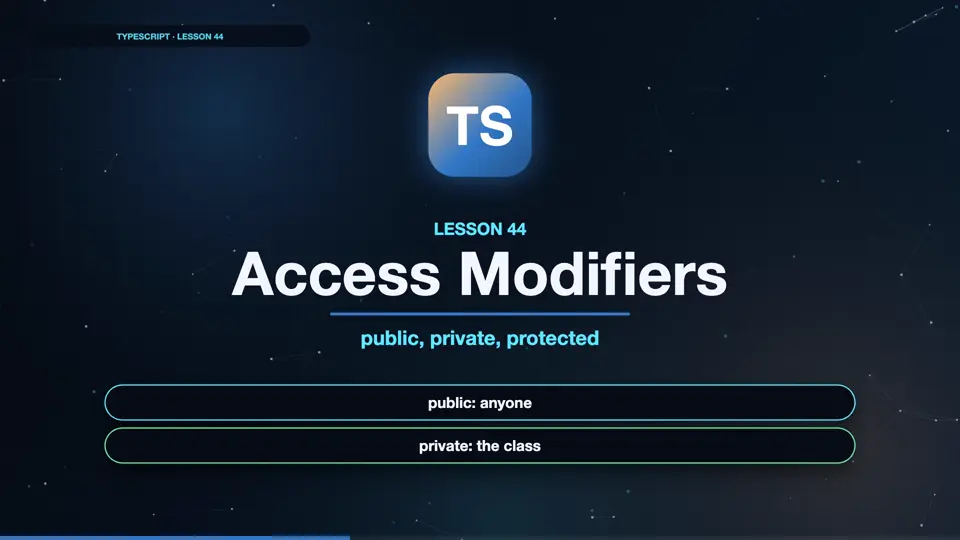
- public: anyone
- private: the class
- protected: plus subclasses
Private balance
A gift card's balance is private. The spend method is public, and checks the balance first. Calling spend is fine. But changing the balance directly, from outside, is rejected. Run it.
app.tstypescript
class GiftCard {
  private balance = 50;

  spend(amount: number): boolean {
    if (amount > this.balance) return false;
    this.balance -= amount;
    return true;
  }
}

const card = new GiftCard();
card.spend(20);
card.balance = 1000;
Output
app.ts line 13: Property 'balance' is private and only accessible within class 'GiftCard'.
Private in JavaScript too
TypeScript's private is only checked by the compiler. JavaScript also has truly private fields, with a hash sign. Either way, the idea is the same, keep internals inside the class.
| key | value |
|---|---|
| private | compile-time |
| #balance | truly private at runtime |
| protected | subclasses too |
| Default | public |
Summary
Use private for internals, so only the class's own methods can change them. Next, parameter properties.
Key takeaways- public
- private
- protected
Next up: Parameter Properties — less typing