
Practice: FizzBuzz
Loops and ifs.
FizzBuzz is a famous beginner challenge, and a classic interview warm up. Count from one to fifteen. For multiples of three, print Fizz. For multiples of five, print Buzz. For multiples of both, print FizzBuzz. Otherwise, print the number. Pause and try it.
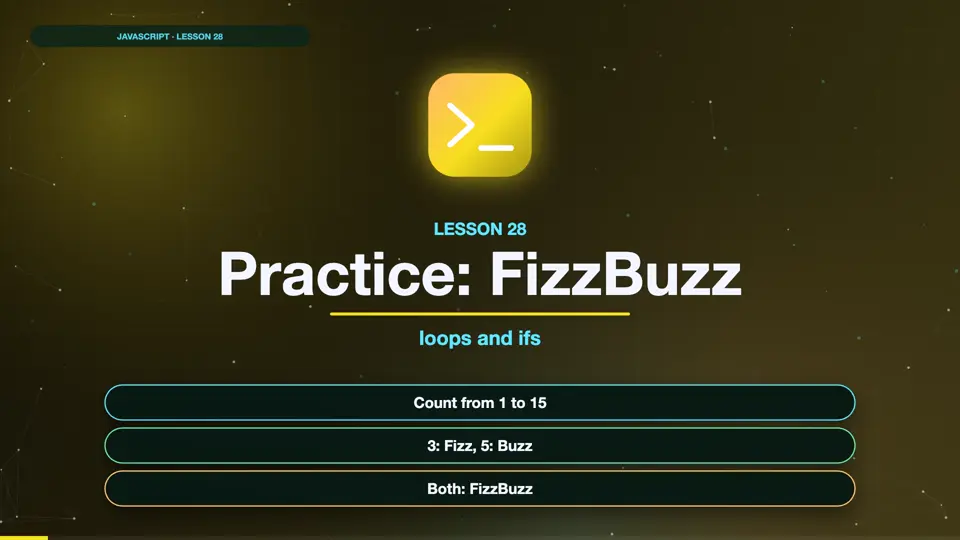
- Count from 1 to 15
- 3: Fizz, 5: Buzz
- Both: FizzBuzz
A solution
The key is the order of the checks. We check for multiples of both three and five first, using fifteen. If we checked three first, fifteen would just print Fizz. Then three, then five, and otherwise the number. Run it.
for (let i = 1; i <= 15; i++) {
  if (i % 15 === 0) {
    console.log("FizzBuzz");
  } else if (i % 3 === 0) {
    console.log("Fizz");
  } else if (i % 5 === 0) {
    console.log("Buzz");
  } else {
    console.log(i);
  }
}1 2 Fizz 4 Buzz Fizz 7 8 Fizz Buzz 11 Fizz 13 14 FizzBuzz
What it tests
FizzBuzz looks simple, but it tests three key skills. Loops, the remainder operator, and putting conditions in the right order. If you could solve it, you've already learned the core of control flow. Well done.
| key | value |
|---|---|
| Loop | 1 to 15 |
| Remainder | i % 3 === 0 |
| Order | check 15 first |
| Core skills | covered |
A shorter FizzBuzz
Here's another way to write it, which is easy to extend. We build up a word. If the number divides by three, add Fizz. If it divides by five, add Buzz. If the word is still empty, use the number instead. Adding a new rule, like Bazz for seven, would just be one more line. Run it.
for (let i = 1; i <= 15; i++) {
  let word = "";
  if (i % 3 === 0) word += "Fizz";
  if (i % 5 === 0) word += "Buzz";
  console.log(word || i);
}1 2 Fizz 4 Buzz Fizz 7 8 Fizz Buzz 11 Fizz 13 14 FizzBuzz
Summary
FizzBuzz combines a loop, the remainder operator, and ordered conditions. Next, loops inside loops.
Key takeaways- % for multiples
- Most specific first
- else for the rest